Free & Open-Source

Your schematics,
organized in seconds

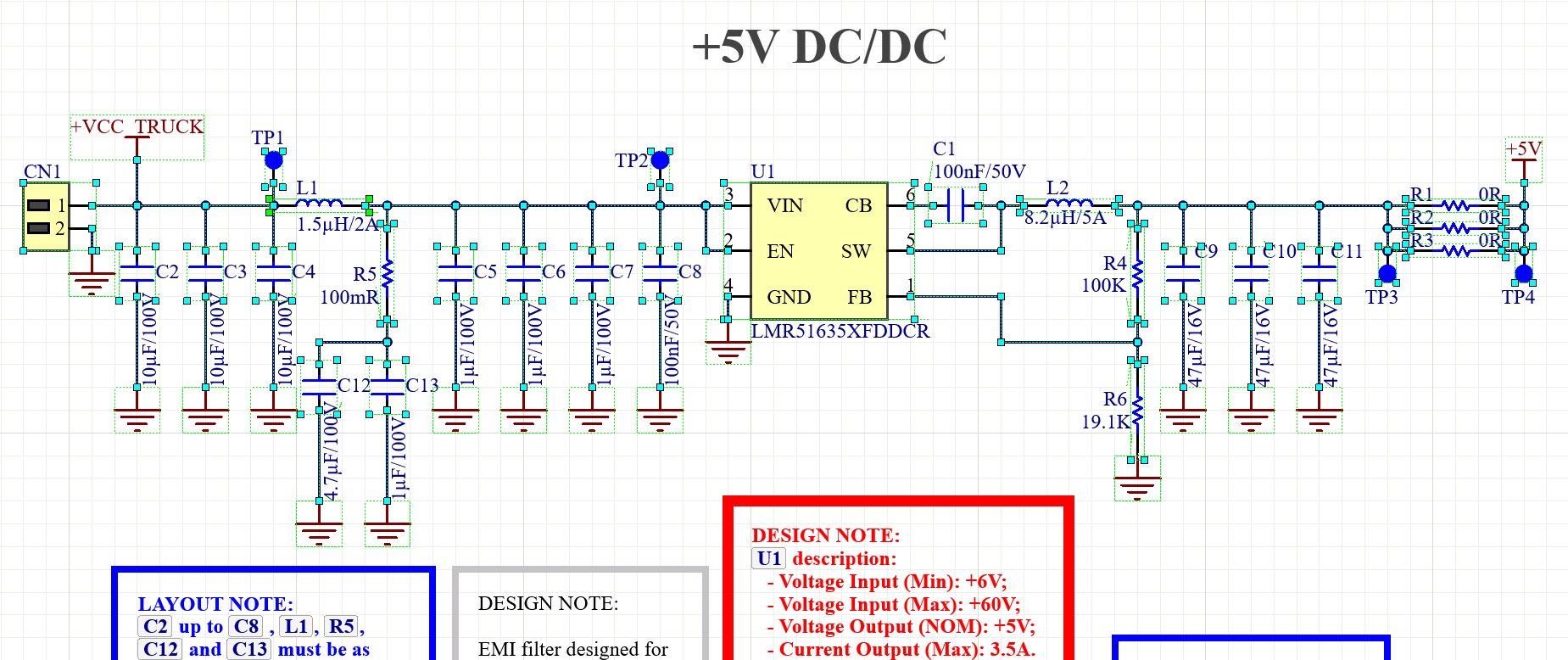
Claritas monitors the Altium Designer clipboard, instantly converts schematics to SVG, and organizes them by project — no setup, no extra clicks.

Overview

What is Claritas?

Capture, convert and organize your Altium schematics in seconds — no setup.

⚡ Auto Clipboard
Detects and converts in seconds
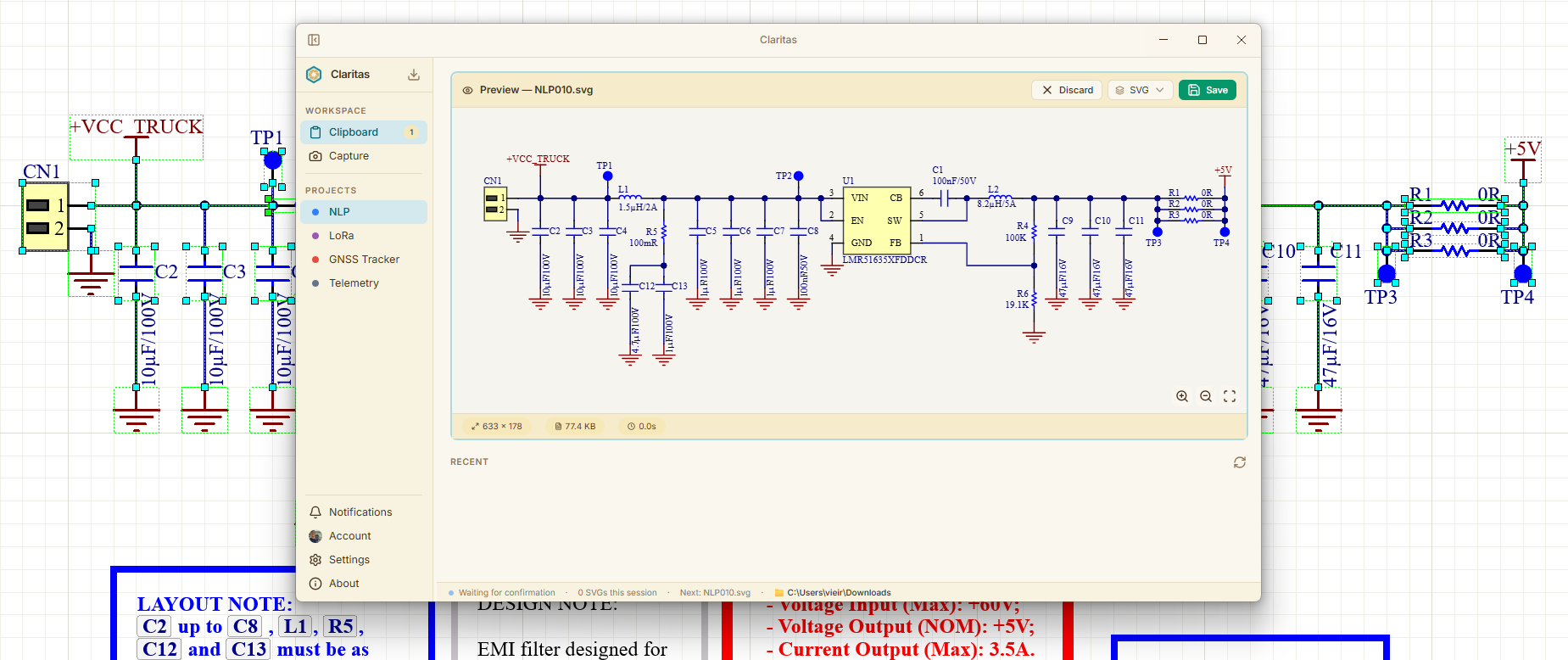
Copy the schematic in Altium with Ctrl+C and Claritas automatically detects it, converts to SVG and shows a live preview — no extra clicks. Tip: Use Ctrl + Shift + V to open Claritas after Ctrl + C.
📁 Organized by project
Automatic sequential naming
Each project has its own folder. Files are saved with sequential, automatic, and customizable prefixes — no manual renaming needed.
☁️ Google Drive Sync
Your files in the cloud
Automatically sync with Google Drive — no intermediate server, no data exposure, straight to your account!
Visão Geral do Claritas
Clipboard Mode

Clipboard Mode

Copy from Altium, Claritas does the rest.

📐 Altium Designer
Open your project in Altium
Open the project you want to export in Altium Designer. Select the schematic to copy.
⌨️ Instant shortcut
Paste using Ctrl + Shift + V
Select and press Ctrl + Shift + V. Claritas automatically detects the clipboard content and opens the app so you can preview the schematic as SVG.
💾 Saved and organized
Project saved to your custom directory or Google Drive
Organize and structure project document images in a simple, practical and fast way!
Modo Clipboard
Capture Mode

Capture Mode

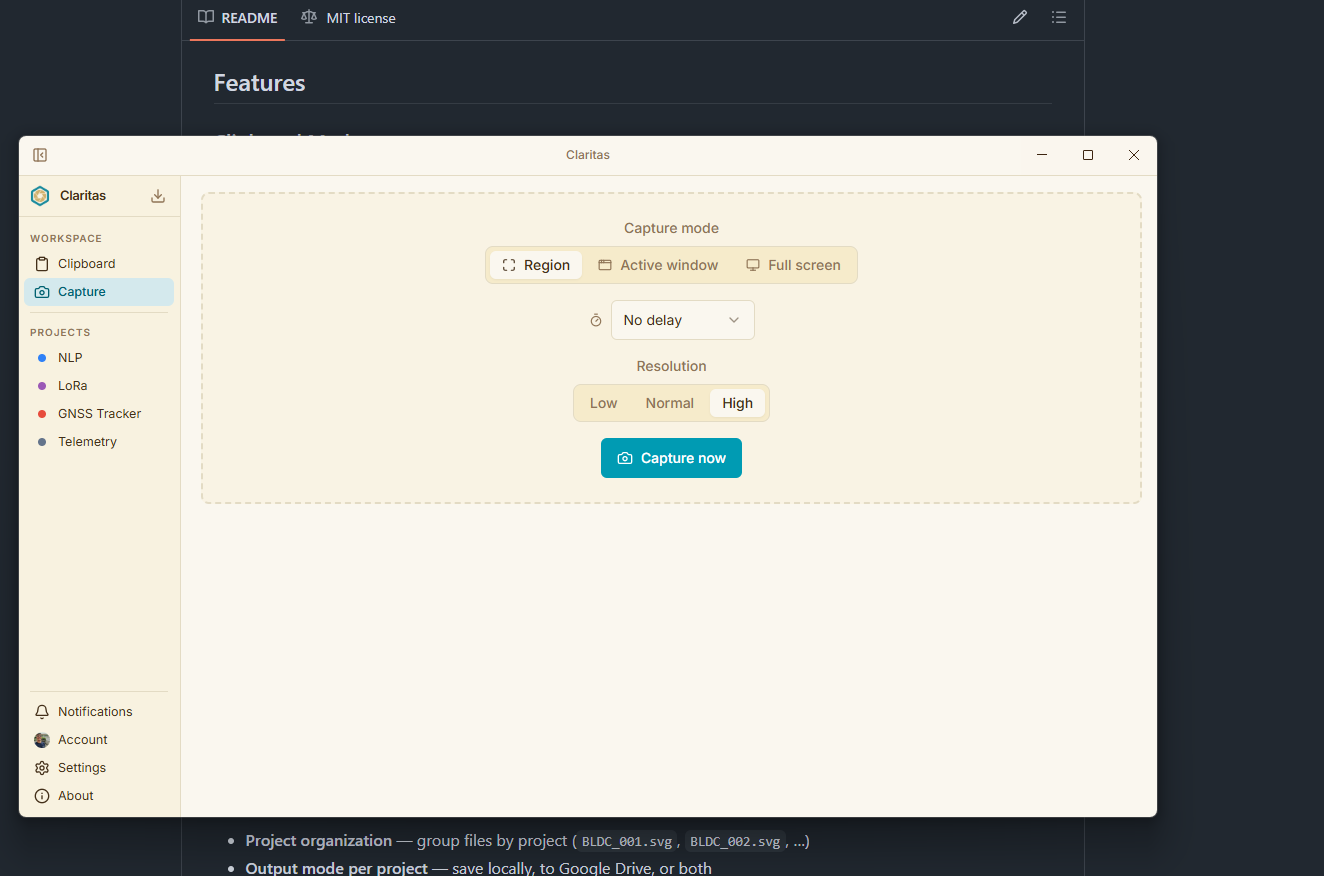
Capture any window or screen region.

🎛️ Configure the capture
Select mode, delay and resolution
Choose between capture modes, set a delay (or not) and configure the resolution you want!
🎨 Built-in editor
Customize your screenshot
Full editor with arrow, rectangle, ellipse, line, pencil, text, highlighter, eraser and color palette — annotate, highlight and organize your image before saving.
🔍 Bonus OCR
Bonus — Text extraction with OCR
Select any region of the image and extract text in seconds. Ideal for copying data from tables, log errors or any visual information without retyping.
Modo Captura
Google Drive Sync

Google Drive Sync

Your files in the cloud, in your own account.

🔑 Secure login
Connect your Google account
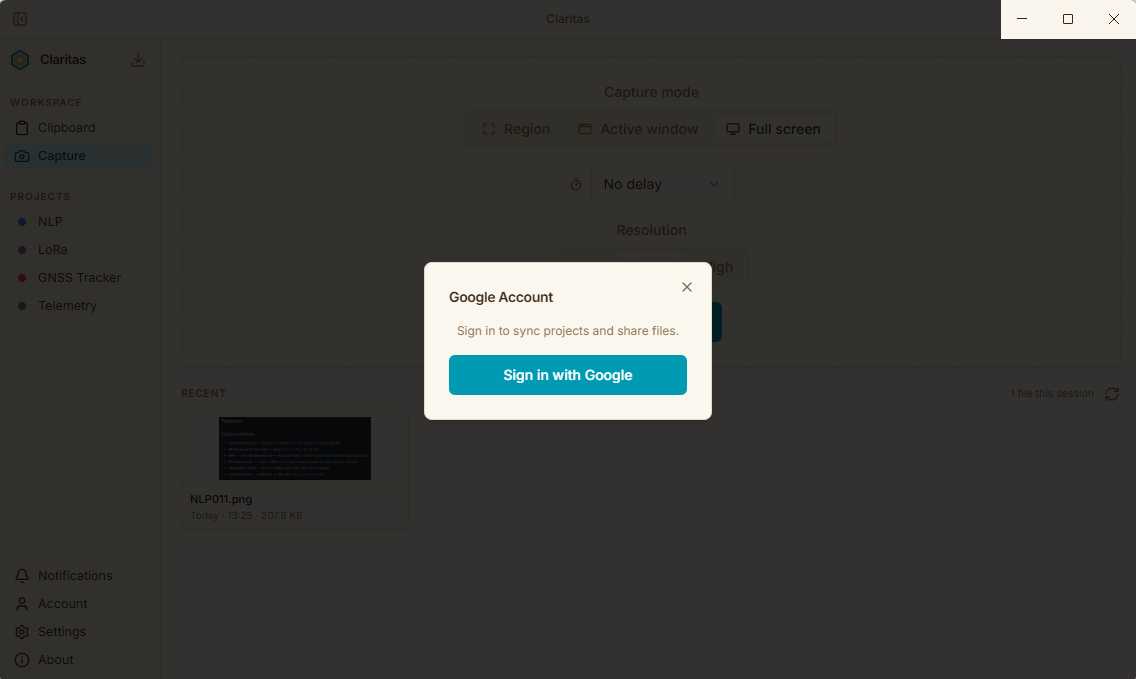
Sign in with your Google account with confidence — Claritas uses Google's own authentication system, so your data stays protected and never passes through us.
📂 Folders per project
Link folders to projects
Each Claritas project can have a dedicated Drive folder for automatic sync.
🔄 Auto sync
Save and sync automatically
When you save a file, Claritas uploads it directly to the chosen Drive folder. Best of all: you can share that folder with your teammates, giving everyone real-time access to all project files.
Google Drive Sync
You made it this far

Free today.
Free forever.

No paid plan. No ads. No freemium.
Claritas exists because great tools should not have a price.

0ssetup time
unlimited projects
100%open source

If Claritas saved you time this week — an hour, ten minutes, anything — a small resistor helps keep the domain, updates and the project alive.

Buy me a resistor Ω

Once already helps. Every month makes a difference. You decide.