Overview
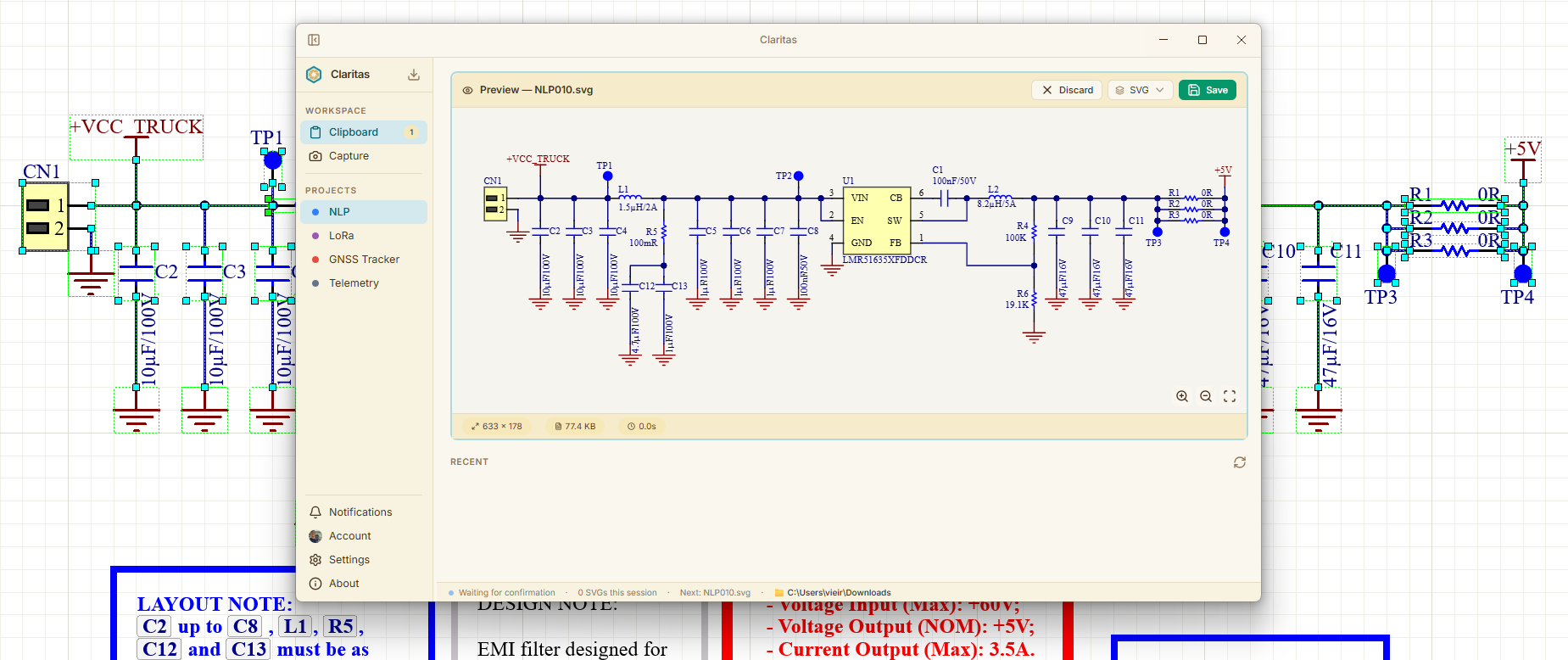
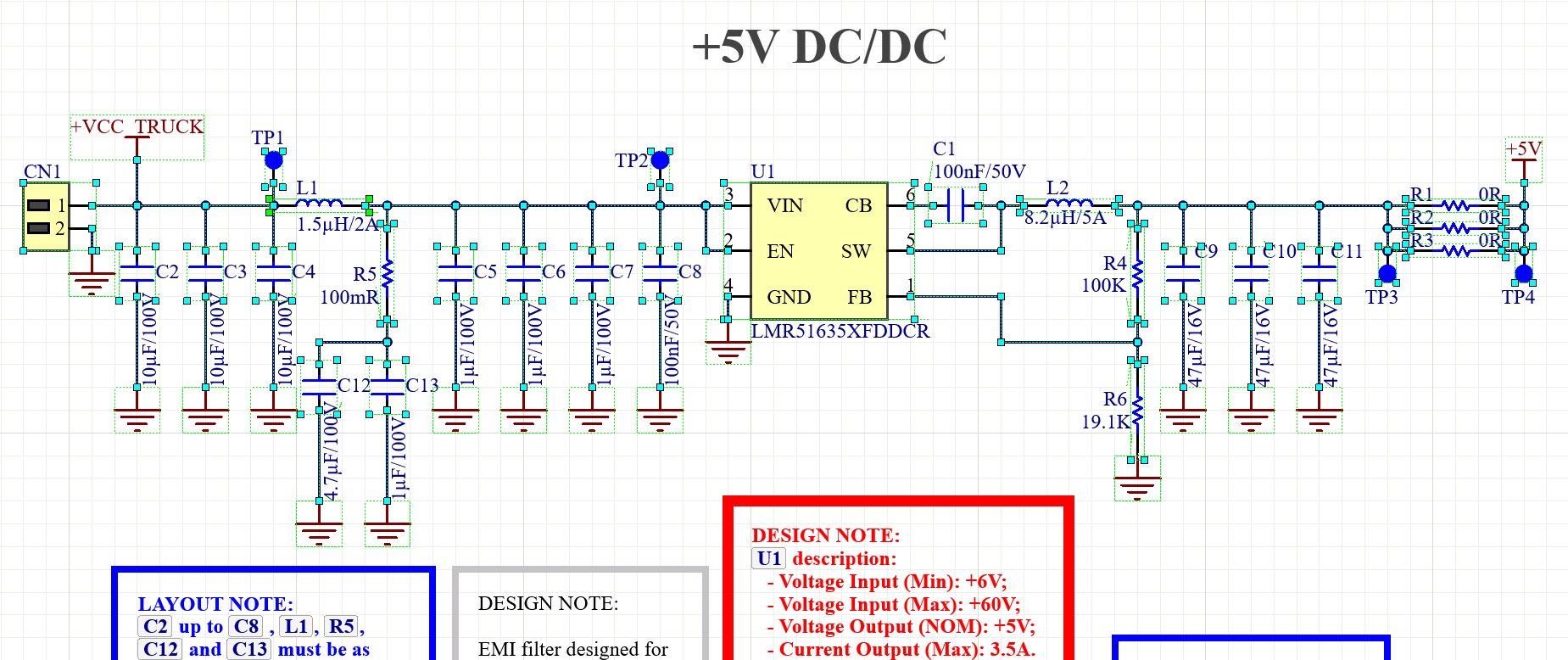
Claritas is a free, open-source Windows desktop application that helps engineers capture, annotate, and organize schematic diagrams from their EDA tools. This page explains how the app handles your data.
Short version: your files stay on your device and in your own Google Drive account. We don't run servers, we don't collect analytics, and we never see your data.
What data the app accesses
- Clipboard contents — read locally to detect schematics you copy from your EDA tool. Nothing is transmitted.
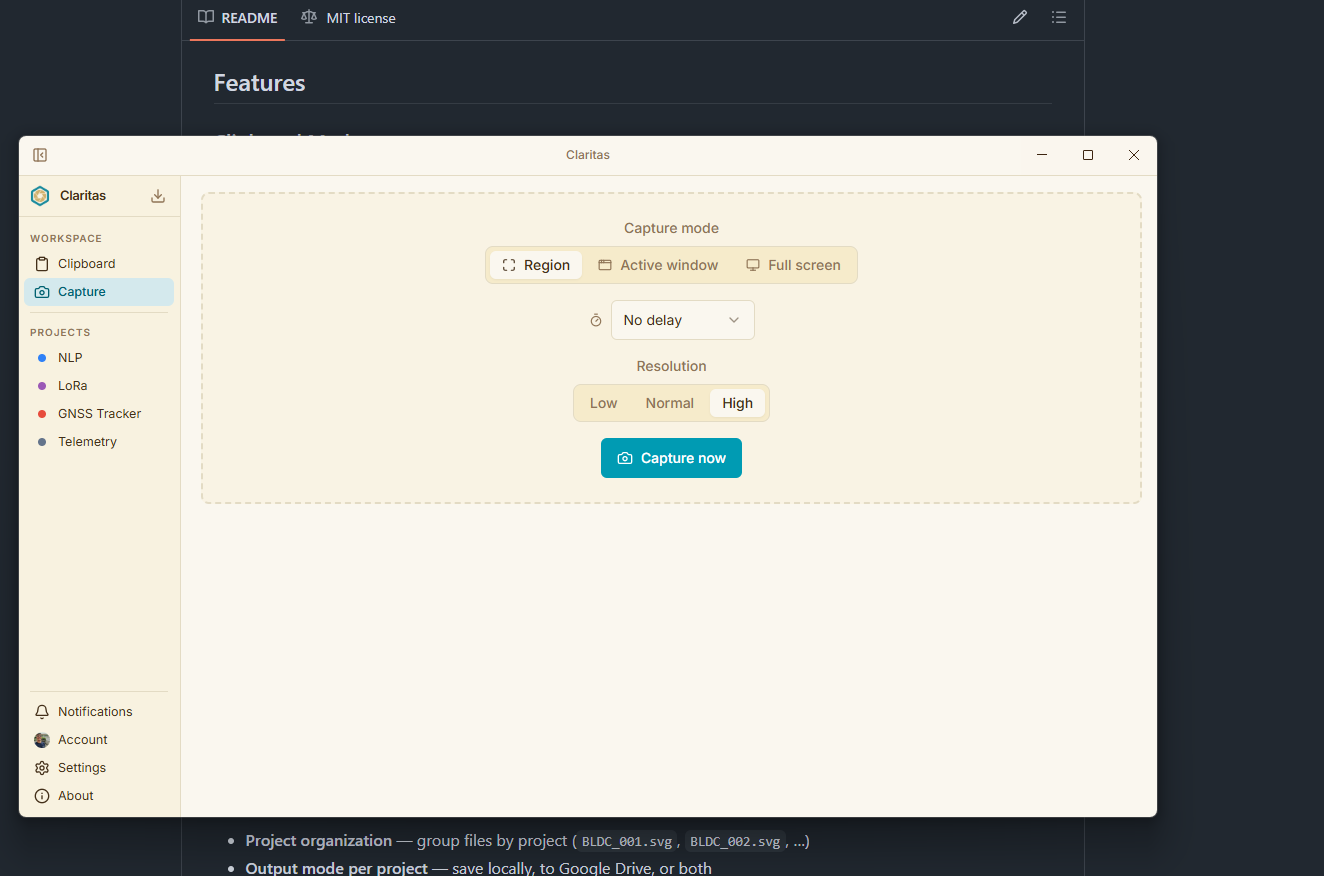
- Screenshots — captured on demand (Capture mode). Stored only on your device or your Google Drive — never sent to any third-party server.
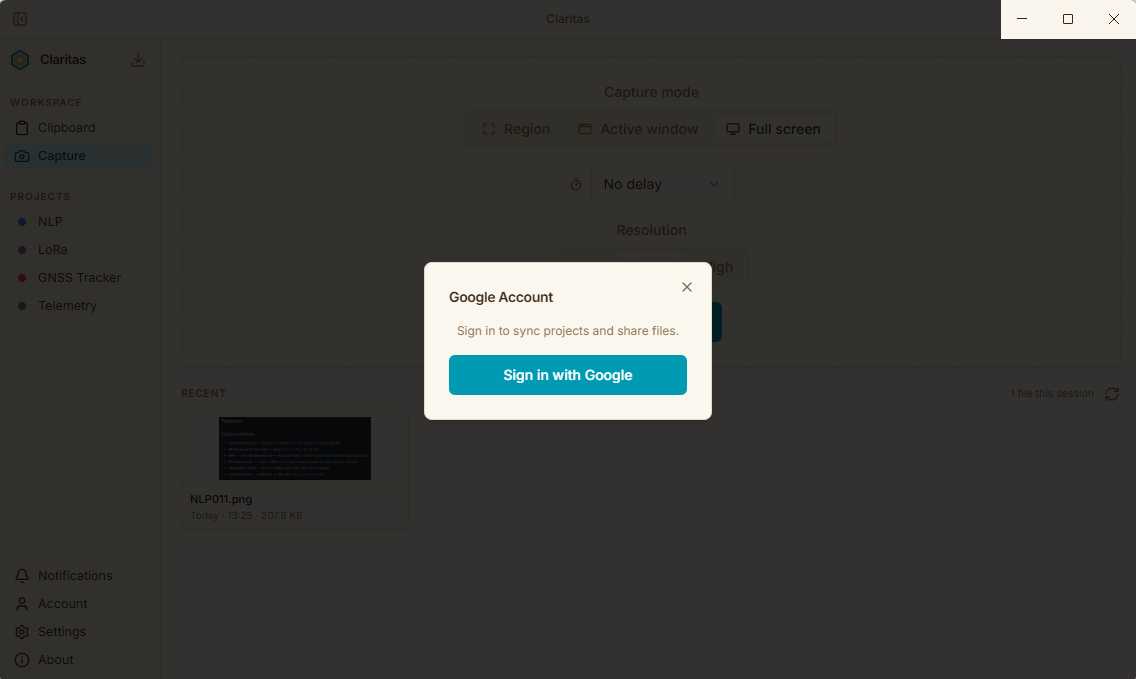
- Google account (email and display name) — displayed in the app's UI after you sign in. Not stored in any database.
- Google Drive files — Claritas can read, create, and delete files that it created (Drive scope drive.file), read file metadata (scope drive.metadata.readonly), and read application data (scope drive.appdata). It cannot access files created by other apps or people.
What data is stored and where
- OAuth tokens — encrypted on your local device using the Windows operating system's built-in encryption (safeStorage API). They are never written in plain text and never leave your machine.
- Exported images — saved to a folder you choose on your local disk and/or your Google Drive account.
- App settings (theme, project name, shortcuts) — stored in a local configuration file on your device.
There are no Claritas servers. No data is ever sent to the developer or any third party.
Google OAuth
Claritas uses Google OAuth 2.0 with the PKCE flow (Desktop App type). This means:
- No client secret is embedded in the app binary.
- Authentication happens entirely between your browser and Google's servers.
- Claritas never receives your Google password.
- You can revoke access at any time from your Google Account permissions page.
Data retention and deletion
- Signing out of the app (Settings → Sign out) immediately deletes all stored OAuth tokens from your device and revokes the access token with Google.
- Files saved to Google Drive remain there until you delete them — either from within Claritas or directly in Google Drive.
- Uninstalling Claritas removes the app and its local settings. Files already saved to your Drive are not affected.
Third-party services
Claritas uses the following third-party services:
- Google Drive API — to store and organize exported files in your own Drive account. Governed by Google's Privacy Policy.
- GitHub Releases — to deliver automatic app updates. Only the app version number is checked; no personal data is transmitted.
Children's privacy
Claritas is a professional engineering tool not directed at children under 13. We do not knowingly collect any information from children.
Changes to this policy
If this policy changes materially, the updated version will be posted here with a new "Last updated" date. Continued use of the app after changes constitutes acceptance of the revised policy.
Contact
Questions about this privacy policy? Open an issue on GitHub or email vieiralucas9797@gmail.com.